Sign In with Federated Identity
Federated login enables users to use a single set of credentials to log into many different services. For example, federated login allows you to use your university or other institutional credentials to log into Chameleon–there is no need to create a new account. In addition, since federated login is supported by many testbeds and services across scientific infrastructures you will be able to sign in once and use multiple services.
Chameleon uses Globus Auth, a popular authentication service, to implement federated login and federates with entities supported by Globus. We strongly recommend using federated login as it’s the simplest and most convenient way to access Chameleon. Users can sign in using their existing institutional account if their institution is an InCommon member, use their Google account, or create a Globus ID tied to an email and password that they provide. In addition, Chameleon also federates with the TAS entity.
Logging In
To log in to the Chameleon user portal, where you can manage your projects, user profile, and submit Help Desk tickets, use the “Log in” button.
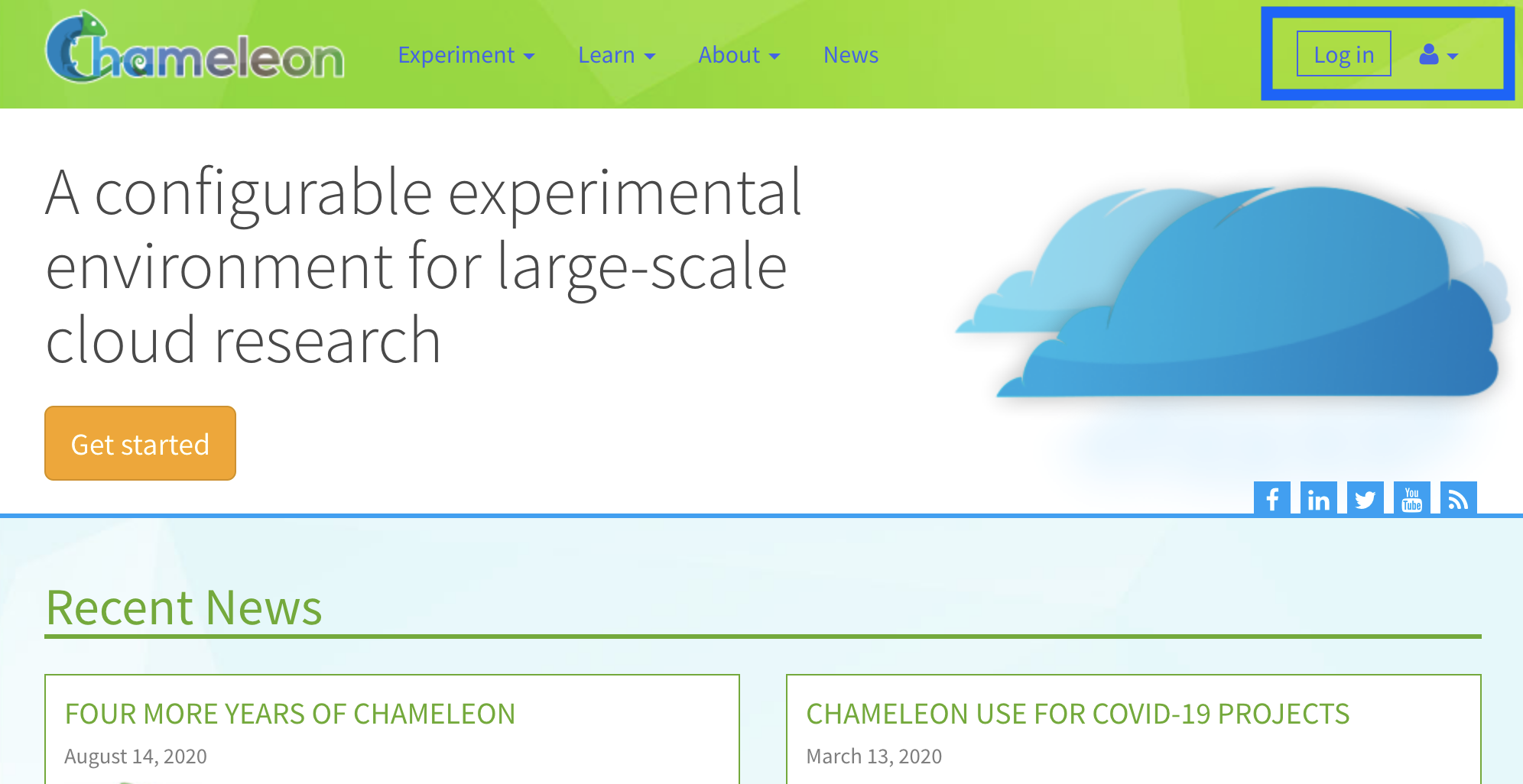
To log in to any of the testbed sites (CHI@TACC, CHI@UC, CHI@NCAR, CHI@Edge, KVM@TACC) or the Jupyter environment, just click their item in the “Experiment” dropdown on chameleoncloud.org. The login process is triggered automatically.
Important
You must be part of project with an active allocation to use the testbed sites! Refer to our “getting started” guide for more info.
Note
You can bookmark the URLs to the testbed sites and Jupyter environment if you want to access them directly in the future.

You will be taken to a Single Sign On (SSO) page with several authentication options. We recommend choosing “Sign in via federated identity” for the easiest experience.
Authentication options
Sign in via federated identity ⭐ RECOMMENDED: This is the simplest way to access Chameleon! Use your existing institution, research lab, or university credentials to log in. This requires your host institution to participate in the InCommon federation. Most major universities and research institutions are already members.
Google: Sign in with any Google account if your institution isn’t part of InCommon or if you prefer using your Google credentials.
ORCiD: Sign in with a valid ORCiD account for research credential integration.
TAS: Sign in via the TAS entity (primarily for TACC users).
Tip
New users: If you’re unsure which option to choose, try “Sign in via federated identity” first - most universities and research institutions support this method, making it the fastest way to get started with Chameleon.
Warning
You may not find your institution on Globus. If so, you can still create an account with another identity, such as GitHub, Google, or ORCiD. However, we encourage users to sign up using their institution, as it helps the Chameleon operators verify user identity, which is an essential step to getting Principal Investigator status on the testbed.
Note
Chameleon has fully migrated to federated identity authentication. Legacy Chameleon username/password accounts are no longer supported.
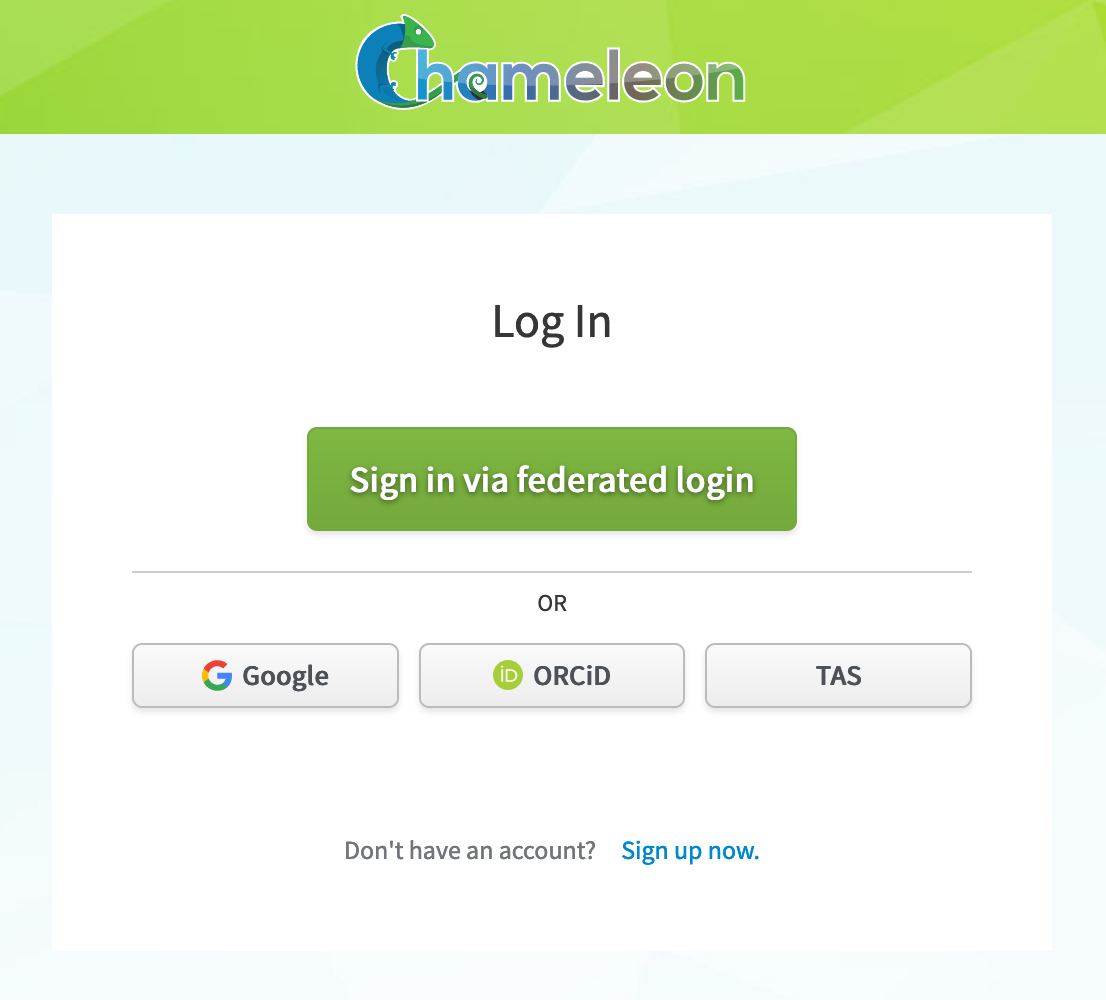
The Single Sign On (SSO) portal login page.
Terms and Conditions
When creating an account, you will be asked to accept terms and conditions of use, note that as part of those terms and conditions you are requested to acknowledge Chameleon in publications produced using the testbed. See our FAQ for information on how to reference Chameleon in your publications and the suggested acknowledgement text.
Troubleshooting Login Issues
If you experience difficulty logging in, try these solutions:
Common Authentication Issues:
Institutional credentials not working: Ensure your institutional credentials are up-to-date and correctly linked to your Chameleon account
Account linking problems: Contact the Help Desk to verify your identity and manually relink accounts if needed
Browser issues: Clear your browser cache and cookies, then try logging in again
Password reset problems: Use the password reset links provided in the portal
Getting Help:
For persistent login issues, contact our Help Desk with details about: - Which authentication method you’re trying to use - Any error messages you’re seeing - Your institutional affiliation (if using federated login)
Note
Users who had legacy Chameleon accounts (created before November 2020) successfully completed migration to federated identity in 2021. All current authentication uses federated identity providers.