GUI Navigation
The navigation sidebar on the left allows you to access different sections of the interface. The main navigation elements are described below.

Compute
The Compute section provides interfaces for managing instances, images, and SSH key pairs.
Overview
The Overview page provides a graphical summary of your project’s current resource usage.

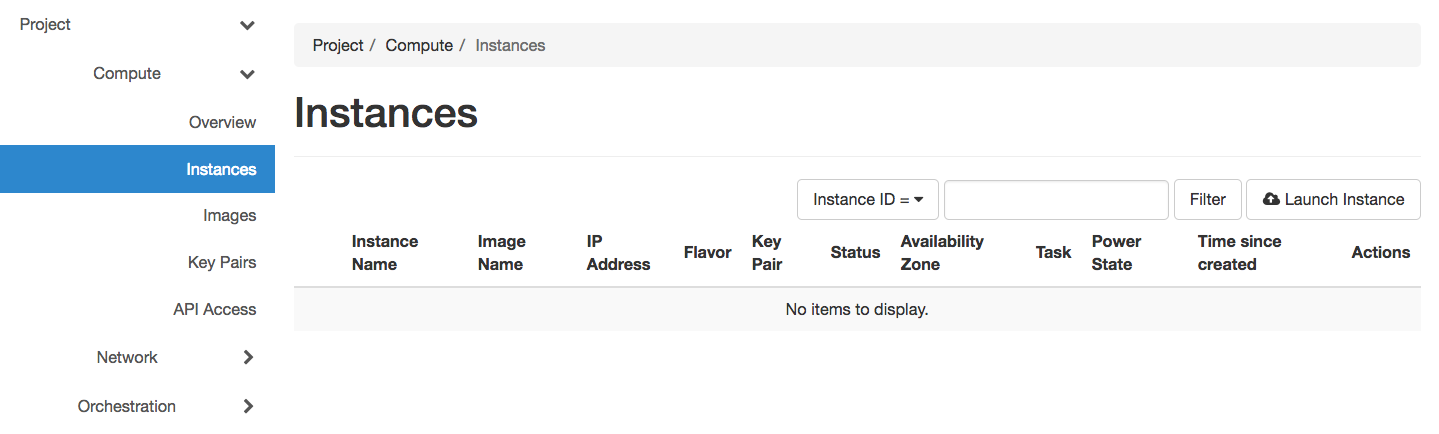
Instances
The Instances page displays your running instances with options to launch, terminate, monitor, or reboot them. For detailed instructions on launching and managing instances, see Bare Metal Instances.
Images
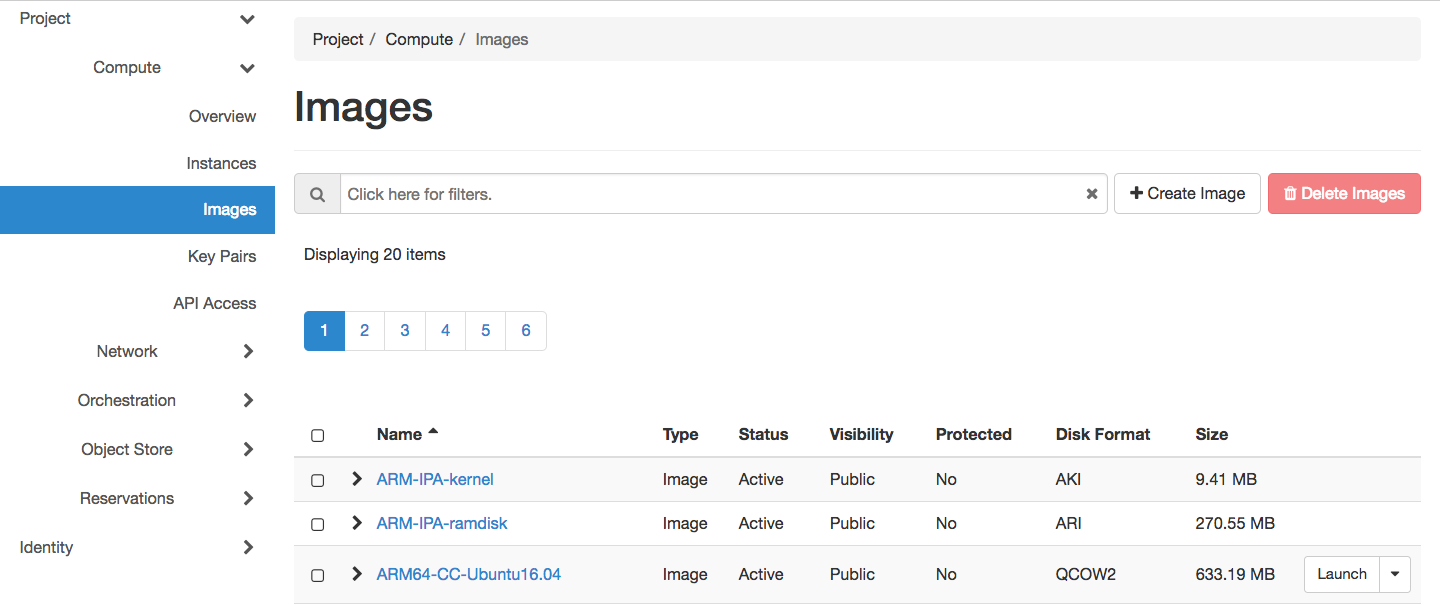
The Images page allows you to view available images and launch instances from them. You can only edit images you own. For comprehensive image management including uploading and sharing, see Images.
Key Pairs
The Key Pairs page allows you to create, import and manage SSH key pairs for instance access.

For detailed instructions on creating and importing key pairs, see the baremetal instance launch guide.
Network
The Network section provides interfaces for managing virtual network resources. For comprehensive networking instructions, see Networking.
Network Topology
The Network Topology page displays your current virtual network topology in topology or graph formats.

The Network Topology page
Networks, Routers, and Floating IPs
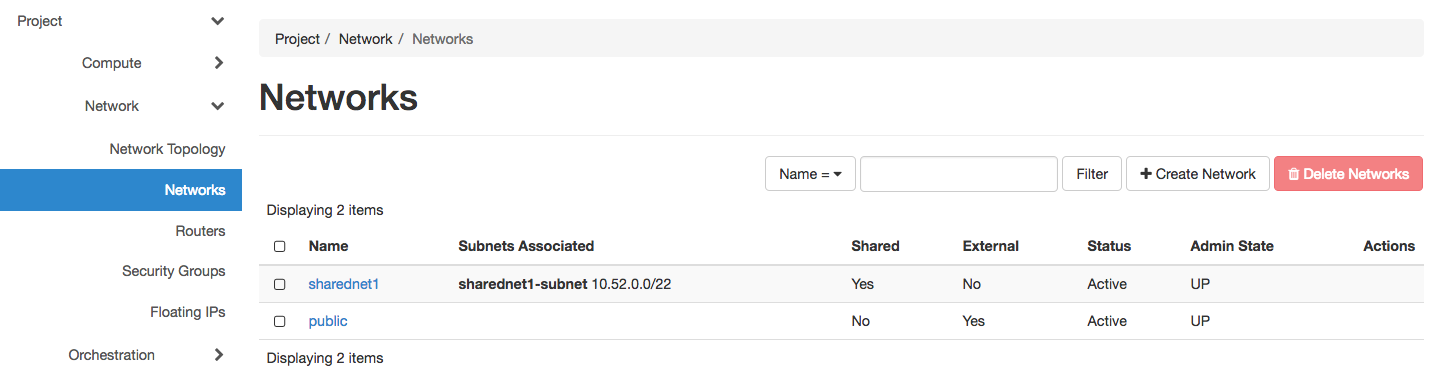
The Networks, Routers, and Floating IPs pages allow you to create and manage these network resources for your project.
Attention
Chameleon bare metal sites (CHI@TACC, CHI@UC, CHI@NCAR) do not support security groups - all ports are open to the public.
For detailed networking procedures including floating IP management, see Networking.
Orchestration
The Orchestration section provides interfaces for working with complex appliances and Heat templates. For comprehensive instructions, see Complex Appliances.
Stacks
A deployed complex appliance is referred to as a “stack” – just as a deployed single appliance is typically referred to as an “instance”. The Stacks page allows you to launch, rebuild, or terminate stacks.
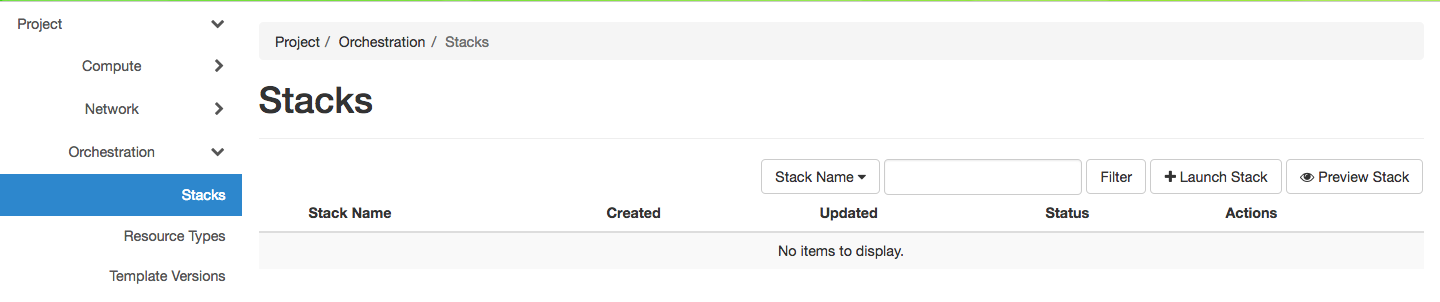
The Stacks page
Object Store
The Containers section provides access to Chameleon’s object/blob storage. For detailed object store instructions, see Object Store.
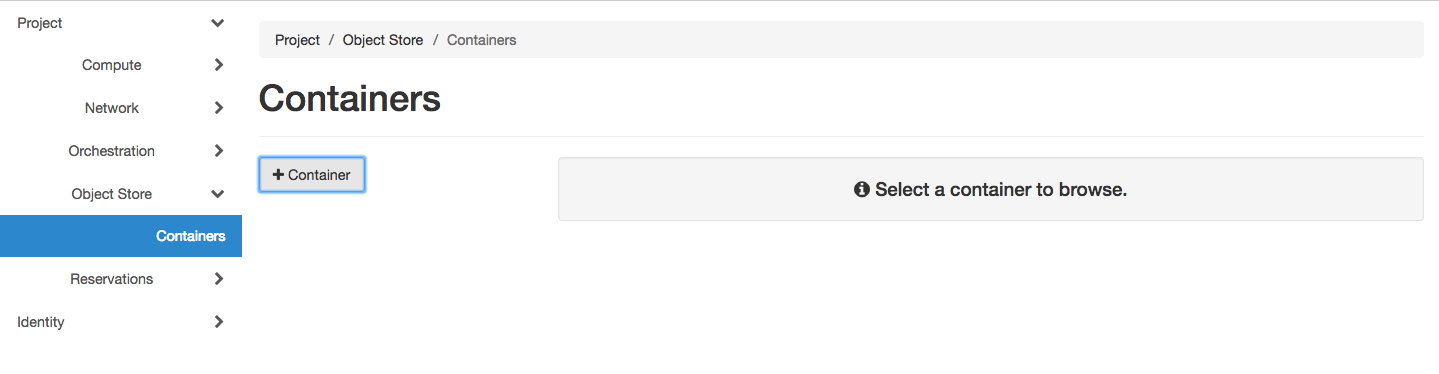
The Containers page
Reservations
The Reservations section allows you to manage your resource leases. For comprehensive reservation instructions, see Reservations.
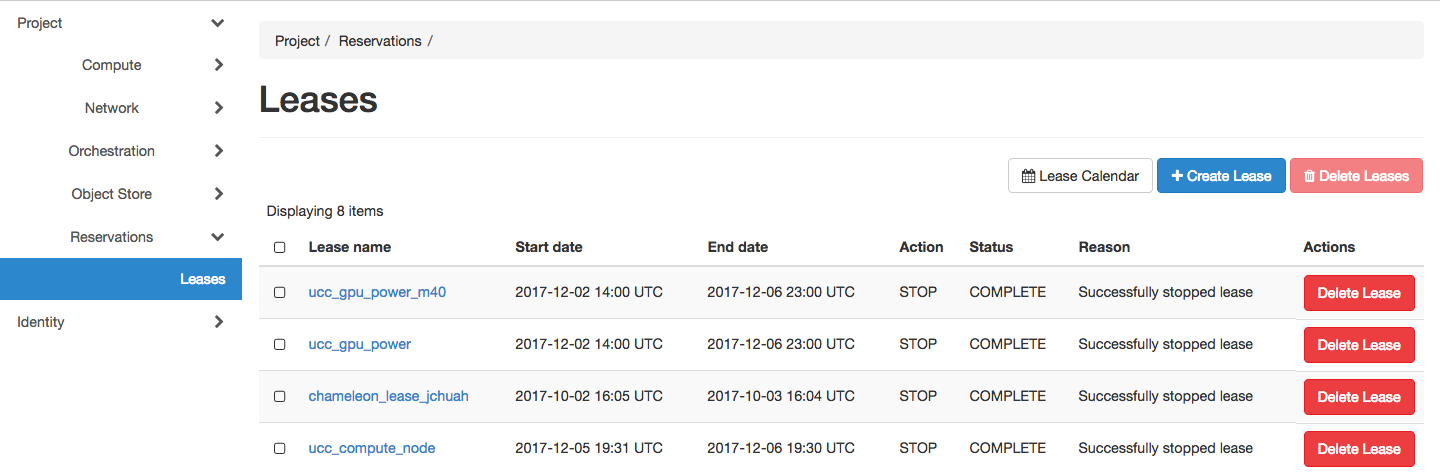
The Leases page
Identity
The Projects section under Identity shows projects you belong to and allows you to set your default project.
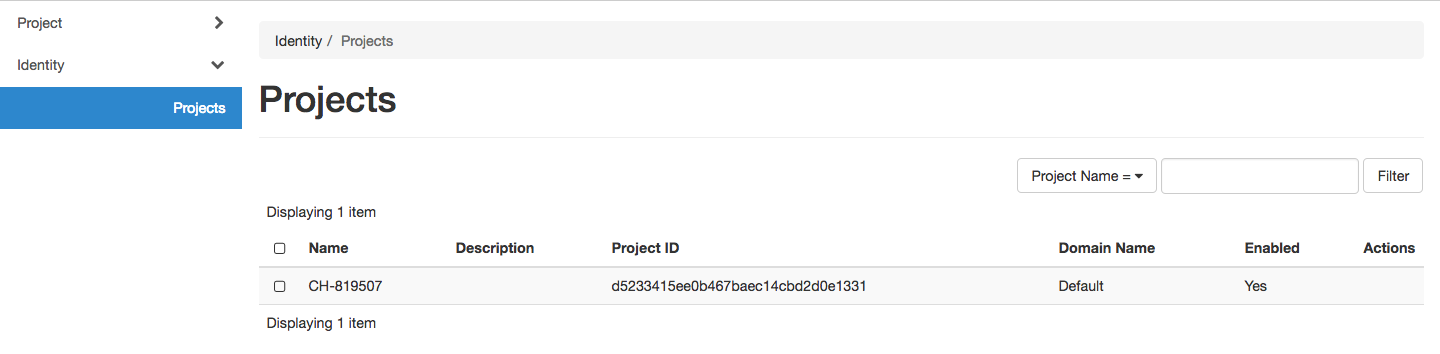
The Projects page